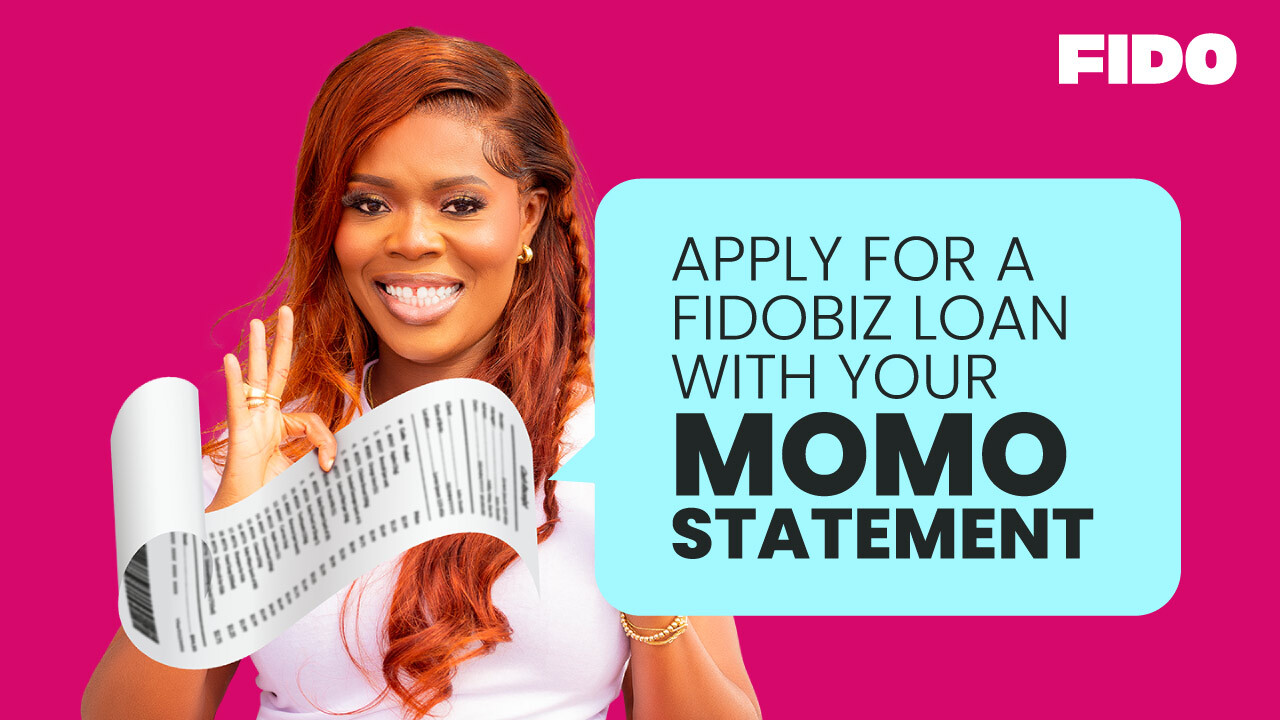
You primarily need your MTN Mobile Money statement from the last two months in PDF format. Ensure your business name matches the name on your MoMo account, and that you've completed at least 20 transactions within those two months. The statement must have been requested within the last 35 days to qualify.
You can request your statement two ways. Using the shortcode, dial *170# on your MTN line, select Option 6 (My Wallet), then Option 3 (Statements), and follow the prompts. Alternatively, use the MyMTN app by selecting the MoMo feature, entering your pin and OTP, navigating to My Wallet, and requesting your detail statement via email.
You must have completed at least 20 transactions on your MTN Mobile Money account within the two-month period covered by your statement. This transaction volume requirement helps FidoBiz assess your business activity and eligibility for the loan.
No, your MoMo statement must have been requested within the last 35 days. Using an older statement will make you ineligible. Always request a fresh statement before applying to ensure it meets the recency requirement for your FidoBiz loan application.
Your MTN Mobile Money statement must be in PDF format to be accepted for a FidoBiz loan application. When you request your statement through either the *170# shortcode or the MyMTN app, you'll receive it via email in the correct PDF format automatically.
Yes, your business name must match the name registered on your MTN Mobile Money statement. This is a key requirement for FidoBiz loan qualification. If there's a mismatch, you may need to update your MoMo account details before applying for the loan.
When you request your statement using the *170# shortcode or MyMTN app, it's typically sent to your email immediately in PDF format. However, allow a few minutes for delivery to your inbox. Once received, you can use it right away for your FidoBiz loan application.